
Configure the gateway #
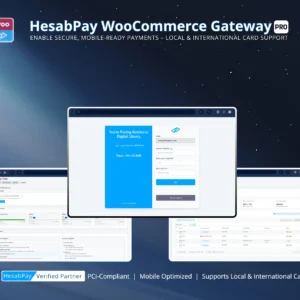
- Open WooCommerce → Settings → Payments → HesabPay.
- Choose Sandbox or Production and use the API key issued for that same environment.
- Set the checkout title, description and order status after verified payment.
- Register the displayed webhook URL in the same provider environment.
- Check currency conversion, checkout, provider payment and WooCommerce order confirmation separately.
Keep merchant credentials and PINs private. A browser return is not payment evidence. Pro licenses and merchant API credentials are different credentials, managed in different dashboards.